
A restaurant menu for your home
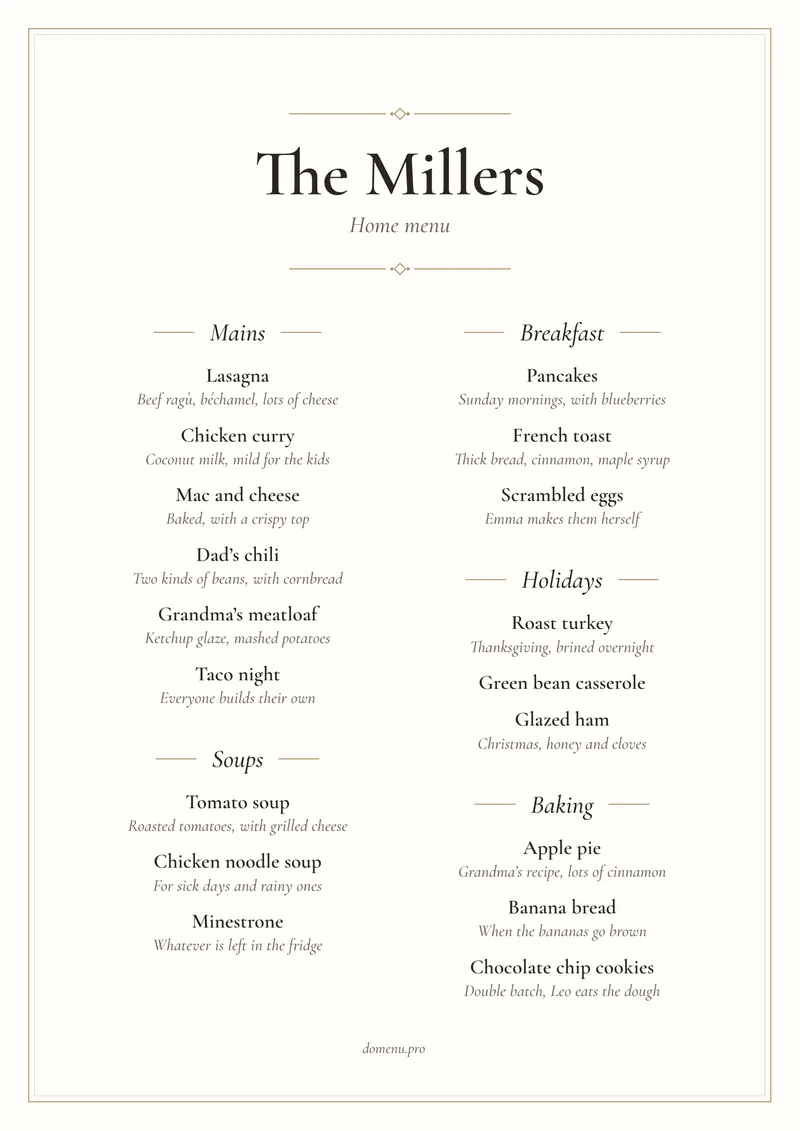
Write down everything you cook at home, from Grandma's meatloaf to Dad's chili, and turn it into a menu. Put it on the fridge or use it right in the app.
Free on Android and in any browser, including on iPhone.
In the app
The whole family in the app
The menu isn't only for the fridge. In the app everyone has it, and agreeing on dinner gets easier.
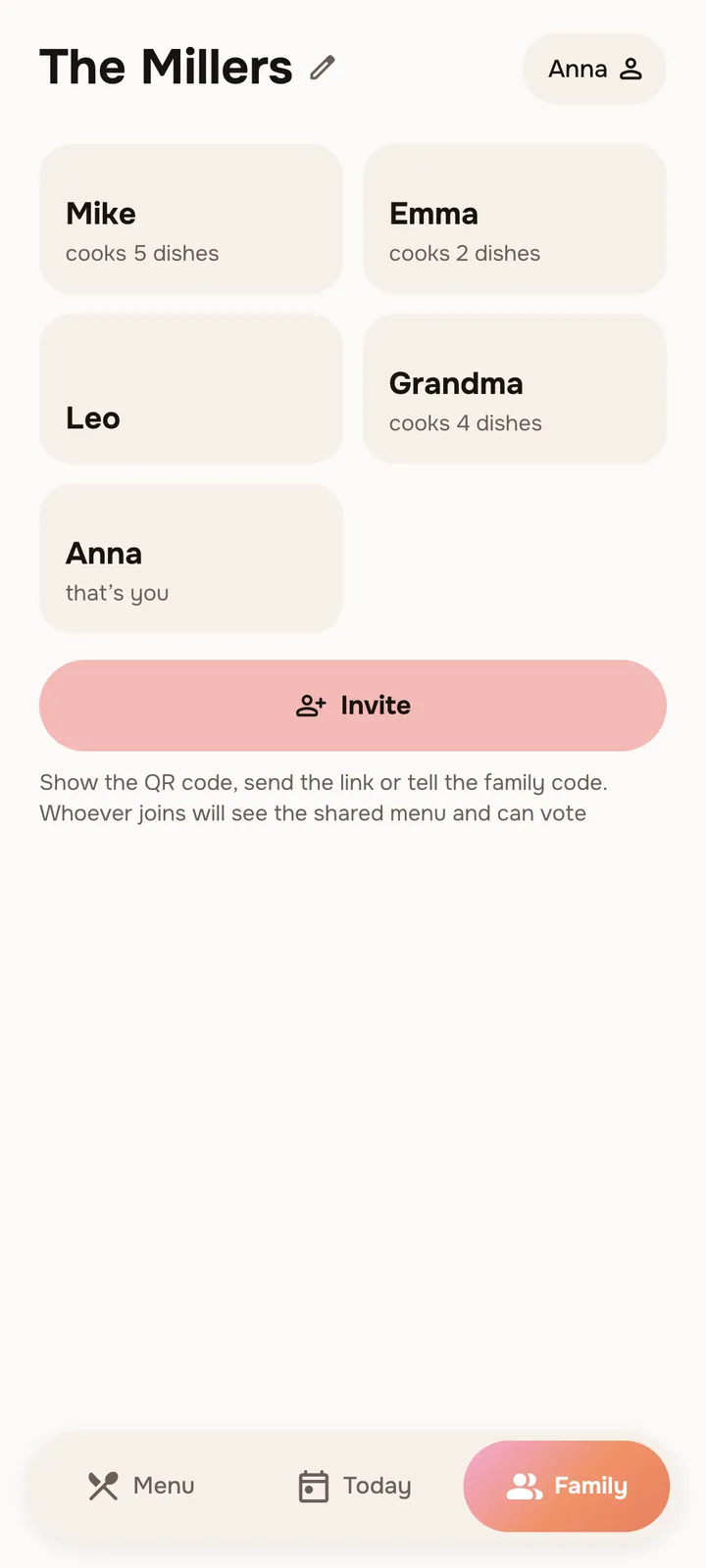
Add the whole familyInvite Grandma, Grandpa, your daughter-in-law, your son, your aunt, a second cousin. Everyone stays in the loop. 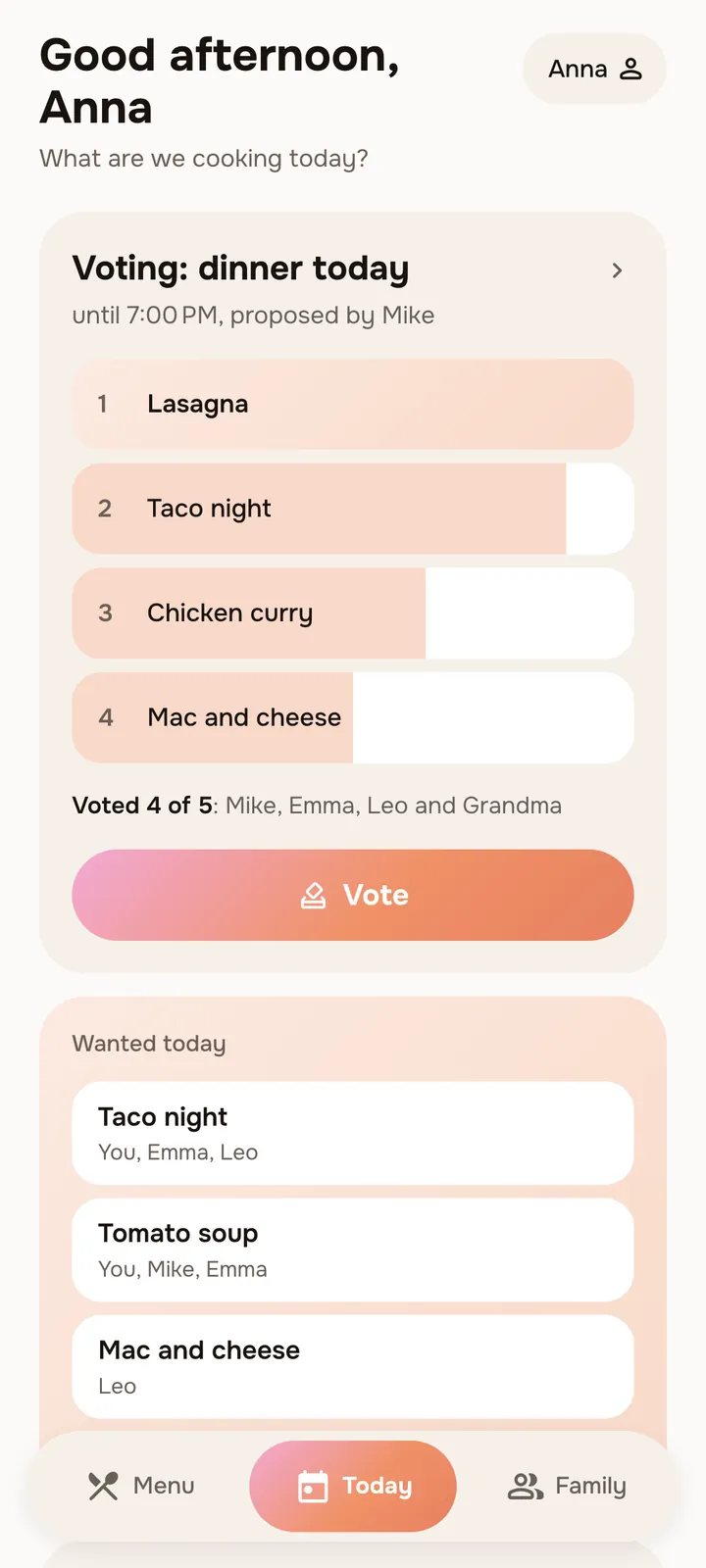
Vote on dinnerWant to please everyone? Put dinner to a vote, and the family gets a notification. 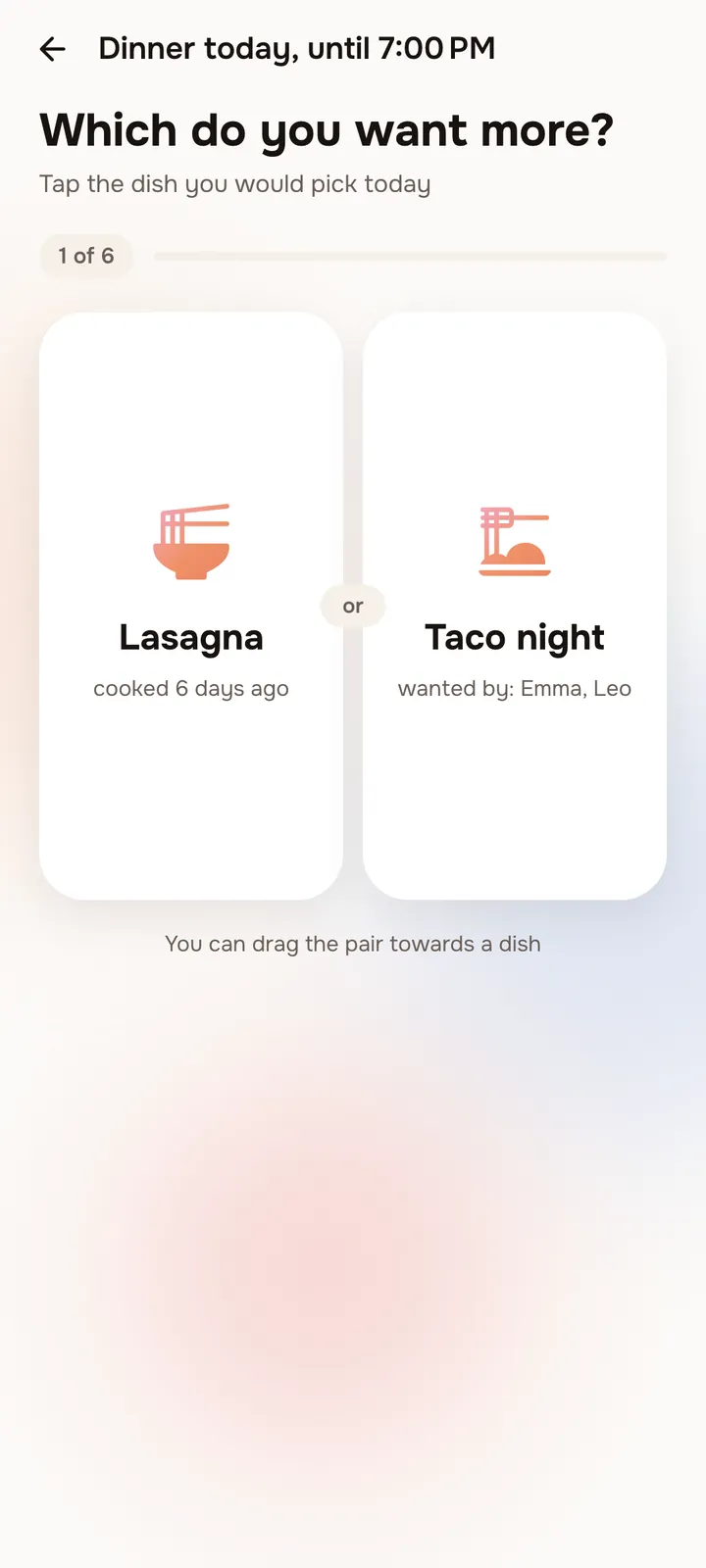
The choice becomes obviousLasagna, tacos or mac and cheese? Swipe toward the one you want. 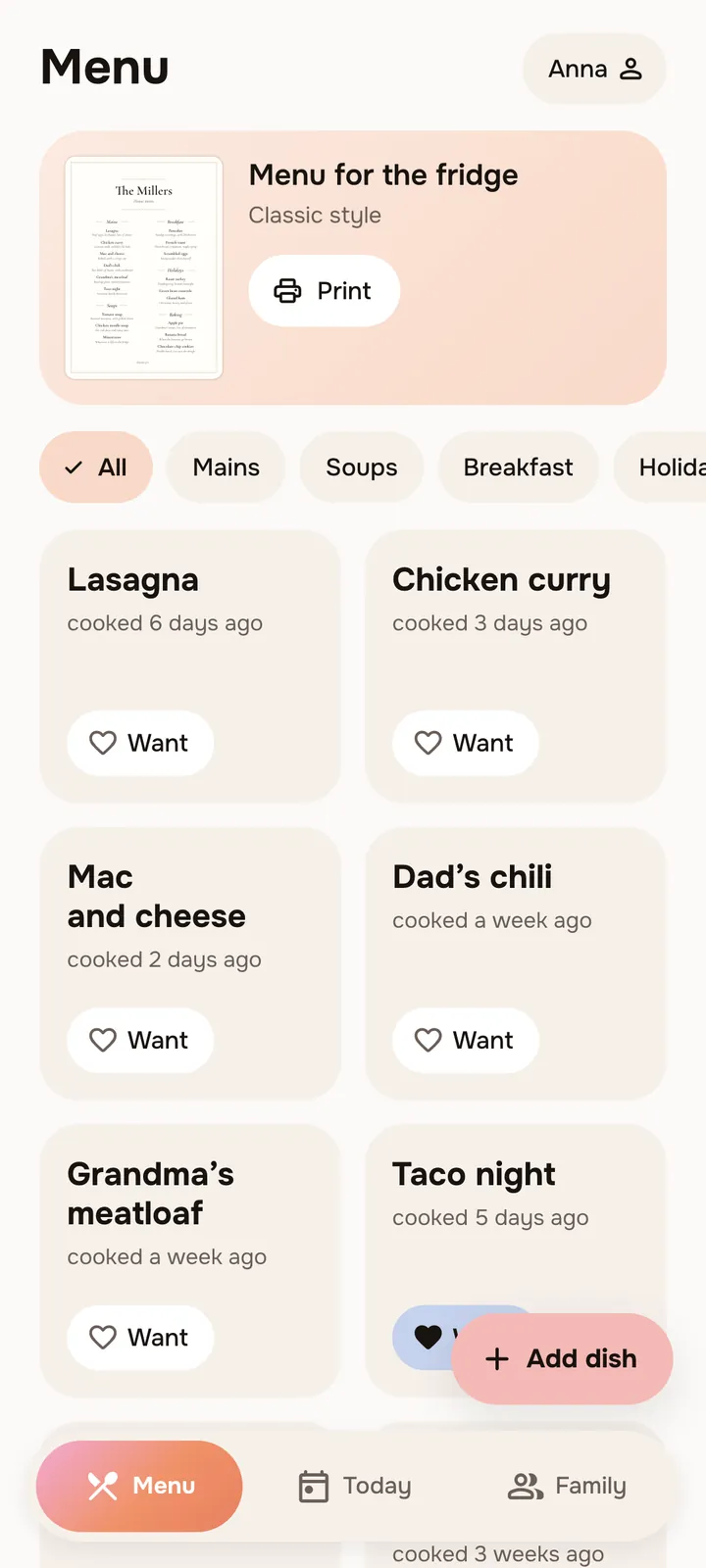
WantMark what you feel like today, and whoever cooks will see it.
How it works
A menu in three steps
- Step 1
Write down your dishes
Start with what you cook most often. Add who makes each dish and what the secret is: "extra cheese on top".
- Step 2
Pick a style
12 styles to choose from: like a café, a diner or an Italian trattoria.
- Step 3
Put it on the fridge
Print the menu, and the answer to "What's for dinner?" hangs right in the kitchen. In the app the whole family sees it, even Grandma in another town.
Styles
What your menu will look like
Classic 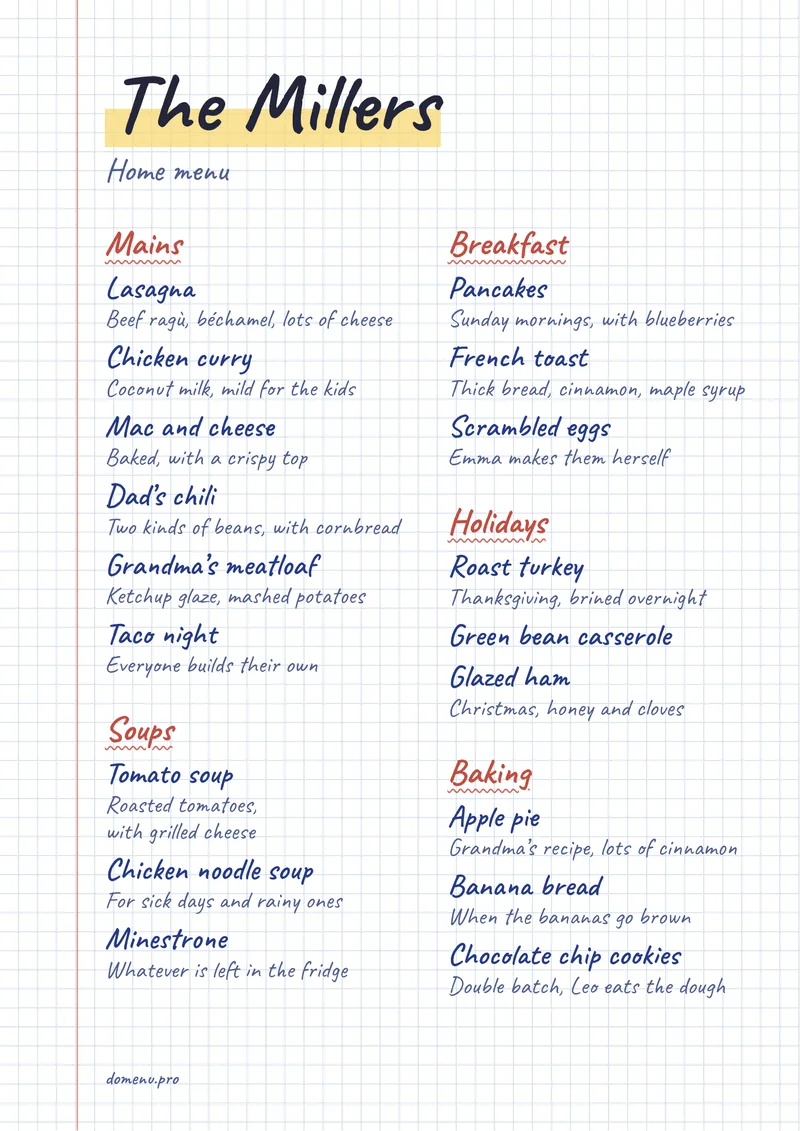
Notebook 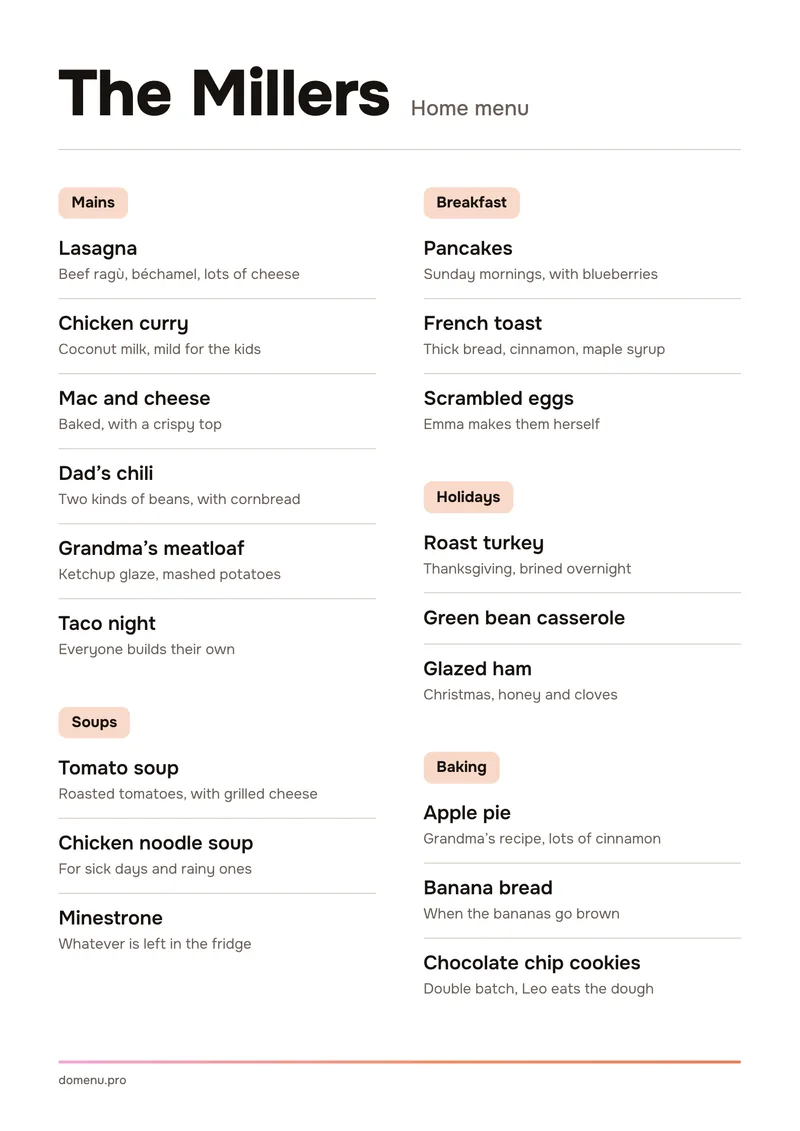
Bistro 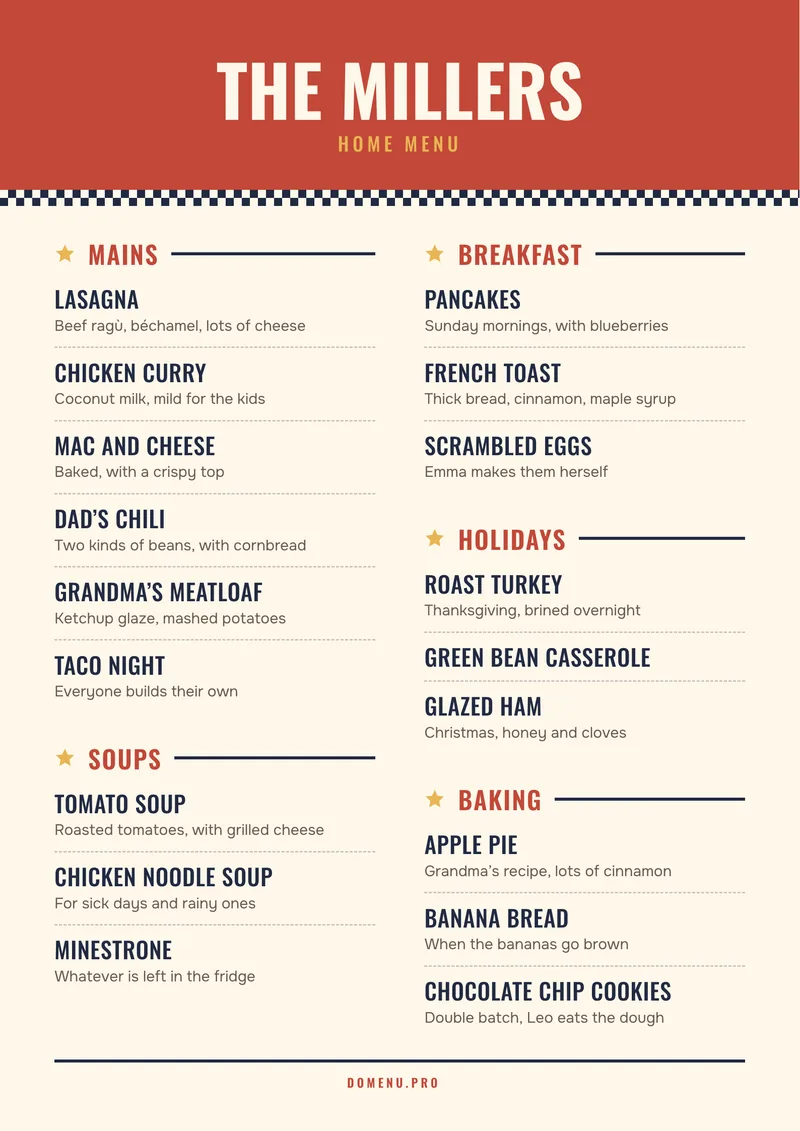
Diner 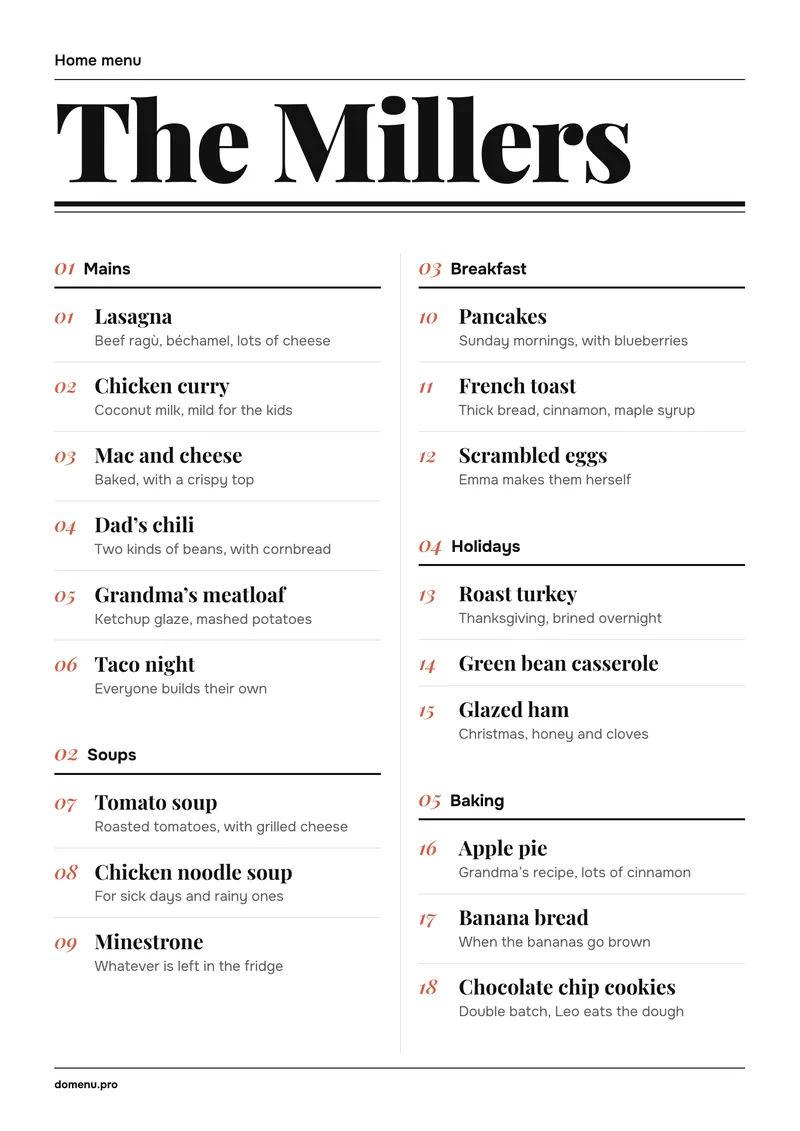
Magazine 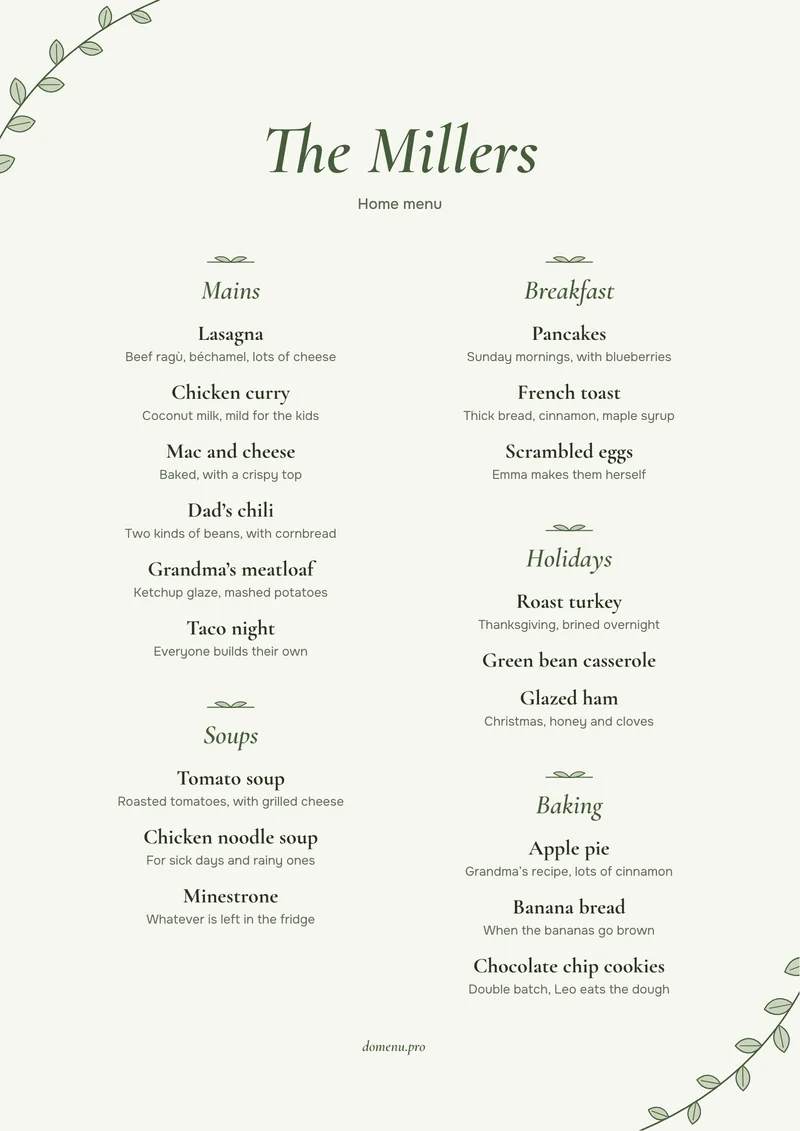
Garden 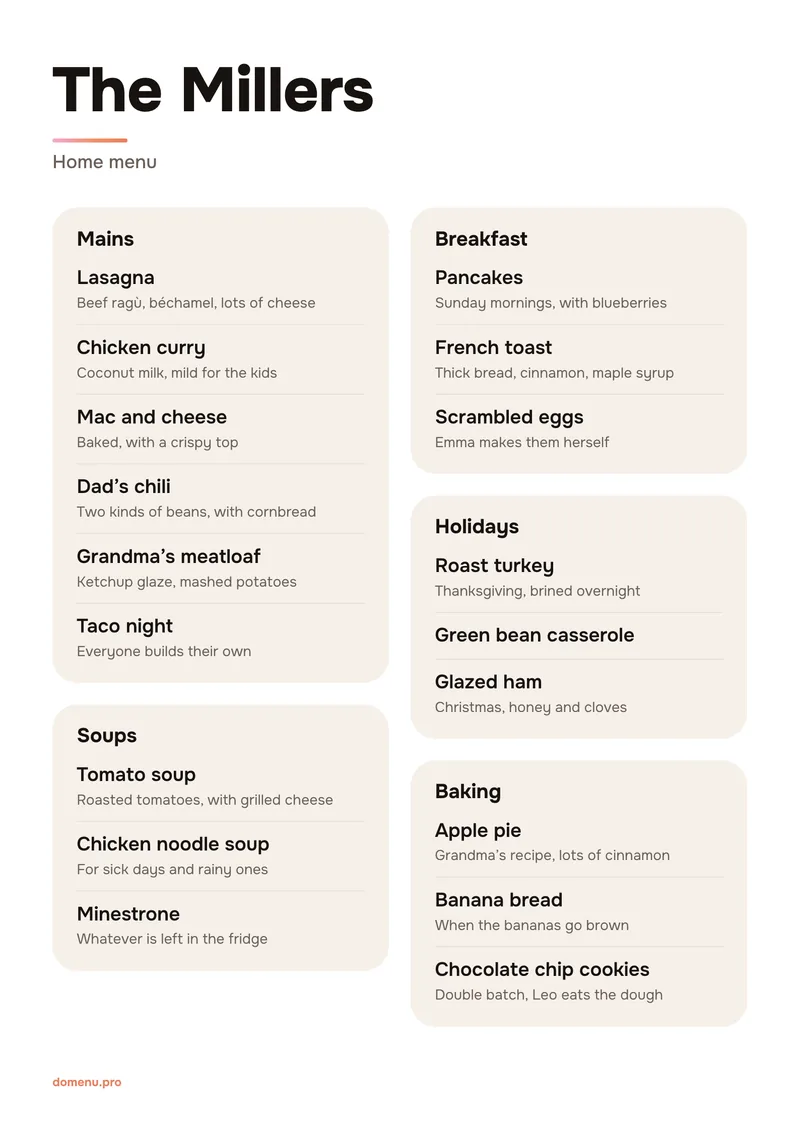
Cards 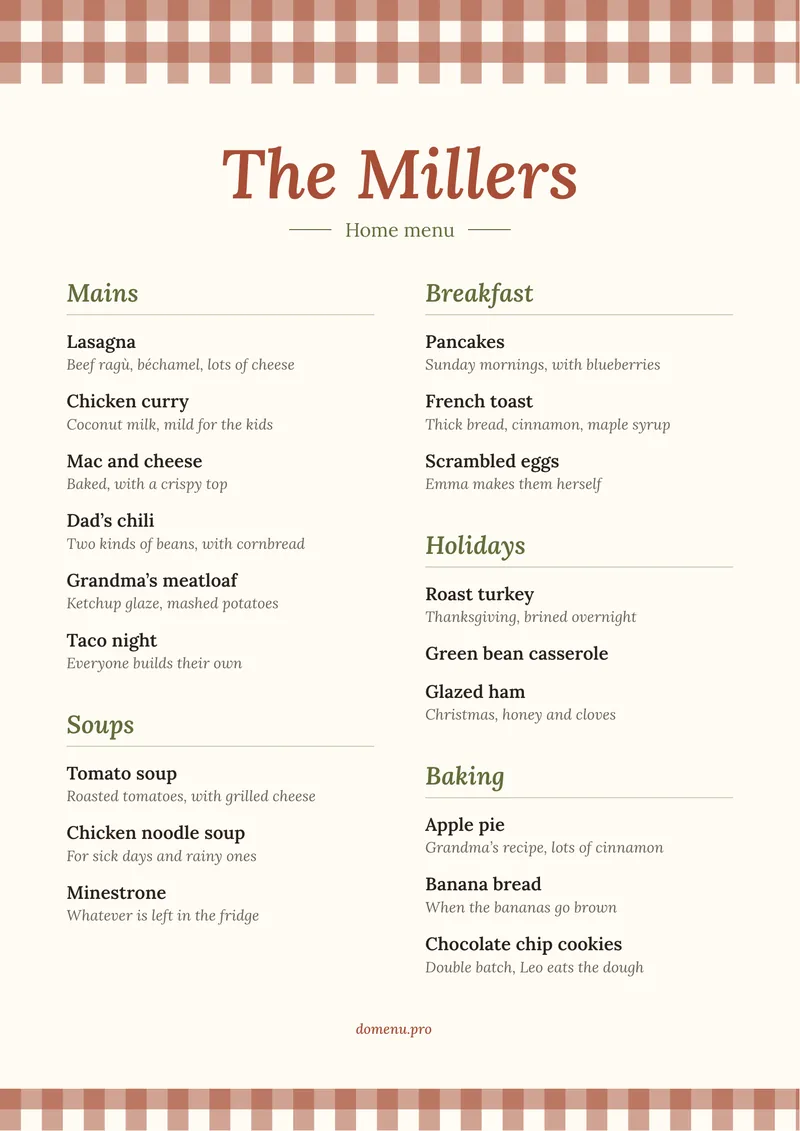
Trattoria 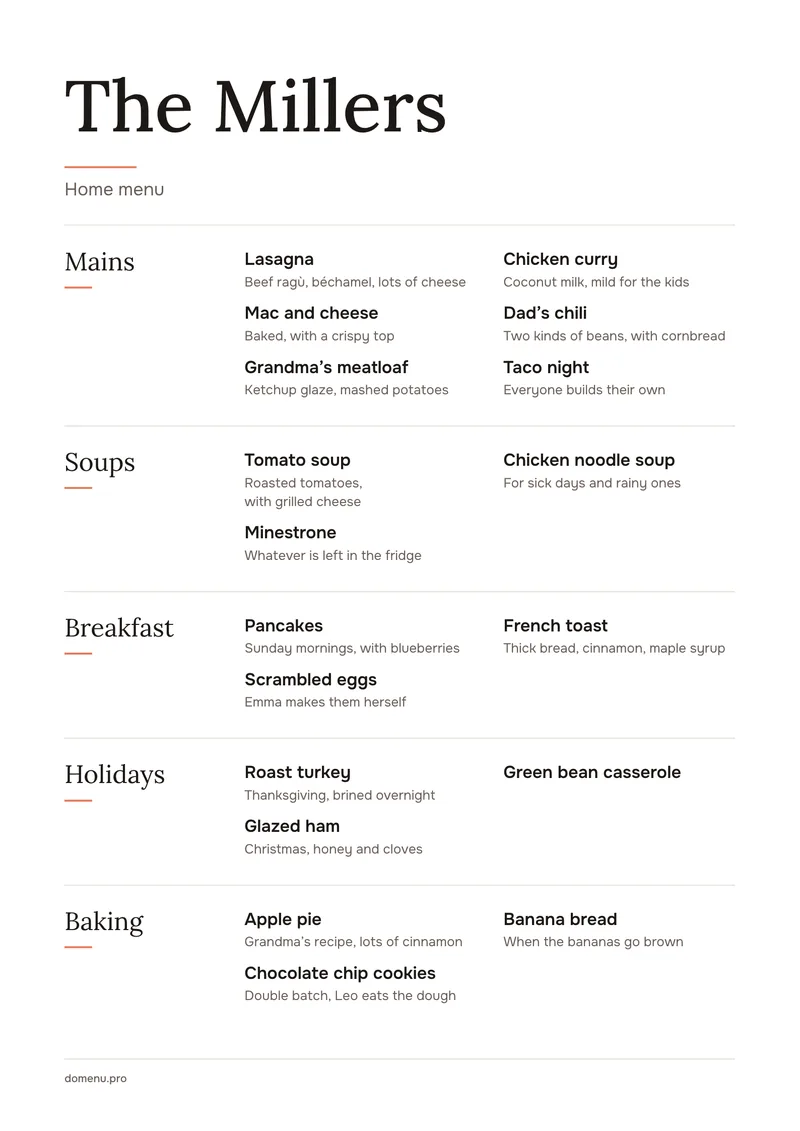
Tavern 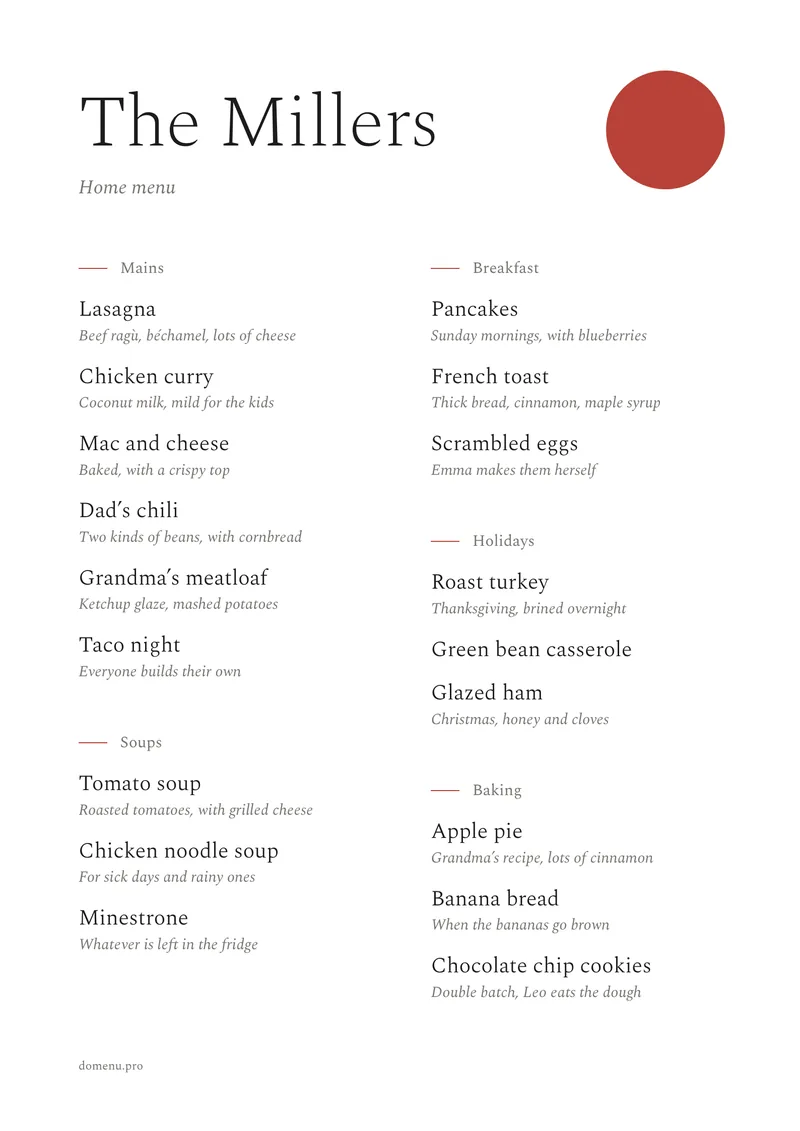
Zen 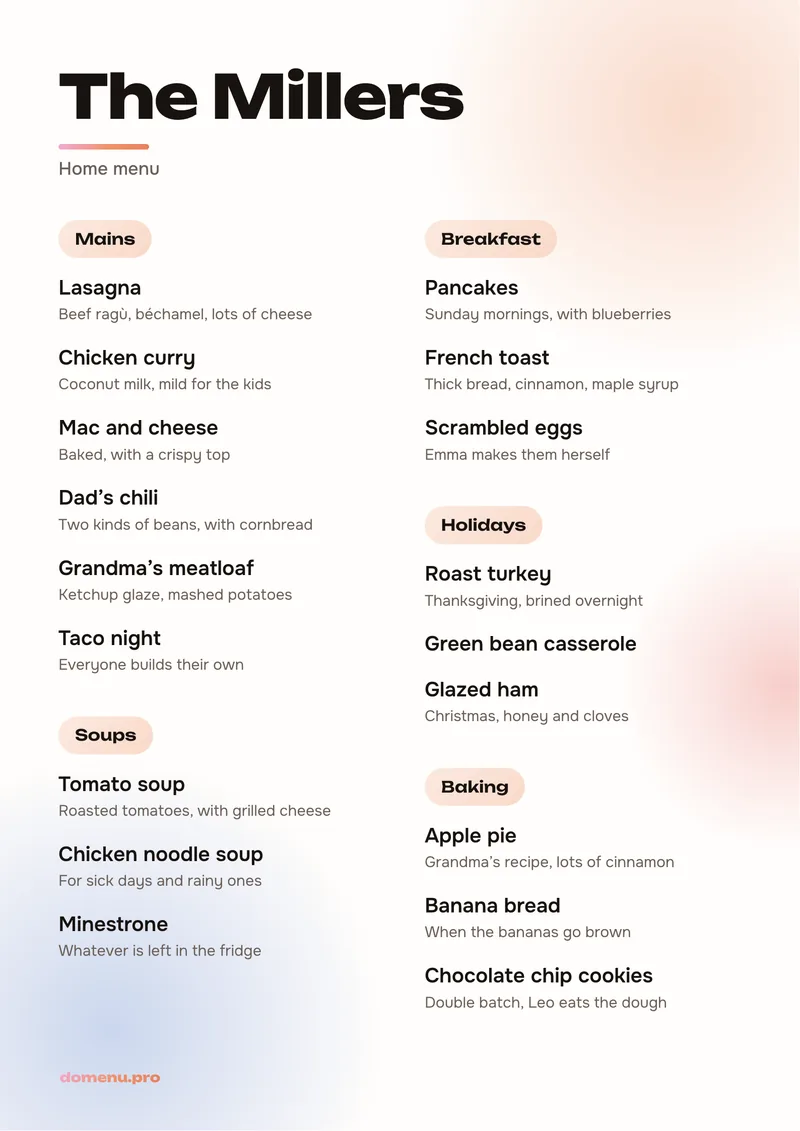
Festive 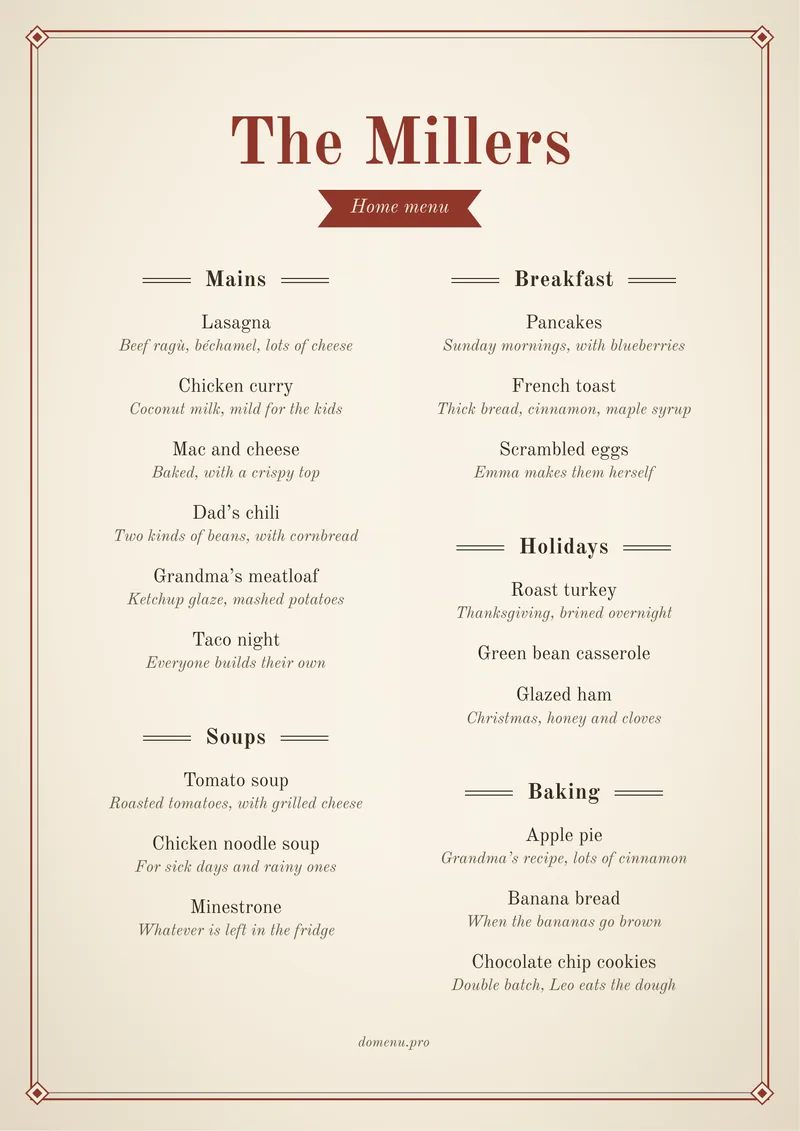
Vintage
Questions
What people ask
Is it free?
Yes, and there are no ads.
How do I print the menu?
In the app, tap Print, choose a style and tap Print again. No printer? Tap Share and send the menu to someone who has one, or print it at a copy shop.
Do I need to write recipes?
No. A dish name is enough: “Lasagna”, “Grandma’s meatloaf”. In the note you can add who cooks it and what the secret is.
What if we have lots of dishes?
The menu adjusts. Ten dishes fit large on one sheet, and fifty take two.
Can I change the menu after printing?
Yes. Add or remove dishes, switch the style and print a new sheet. Take the old one off the fridge and put up the new one.
How do I invite my family?
Open Family and tap Invite. Send the link or show the QR code. Whoever joins sees your menu and can add dishes.
Can I use it on my own?
Yes. Write down your dishes, print the menu and use it. Invite your family whenever you like.
Is there an iPhone app?
No, but the web version works on iPhone: open domenu.pro/app in Safari. It has the same menu, and you can print from there too.
How does voting work?
Pick a few dishes and a meal: dinner tonight, lunch tomorrow. The family gets a notification, everyone swipes through the dishes in pairs, and domenu shows what you chose. Voting is optional: it helps when you can’t agree.
Why sign in with Google?
So your family menu doesn’t get lost. On a new phone or in a browser, sign in with the same account and your menu opens. You can also continue without signing in.
Where is our data kept, and how do we delete it?
We keep your menu, names and the email from Google on our server and never sell them. To delete your data, go to Profile and tap Delete account. The Android app sends usage statistics and crash reports to Google, without names or dishes. The details are in the privacy policy.
A restaurant menu for your home
Start with a couple of dishes
Write down what you cook most often, pick a style and put the menu on the fridge. You can add the rest later.
or type domenu.pro/app
